Ultima360
User guide
×
Menu
Index

17.2.1.1 Viewing protocol customization

 
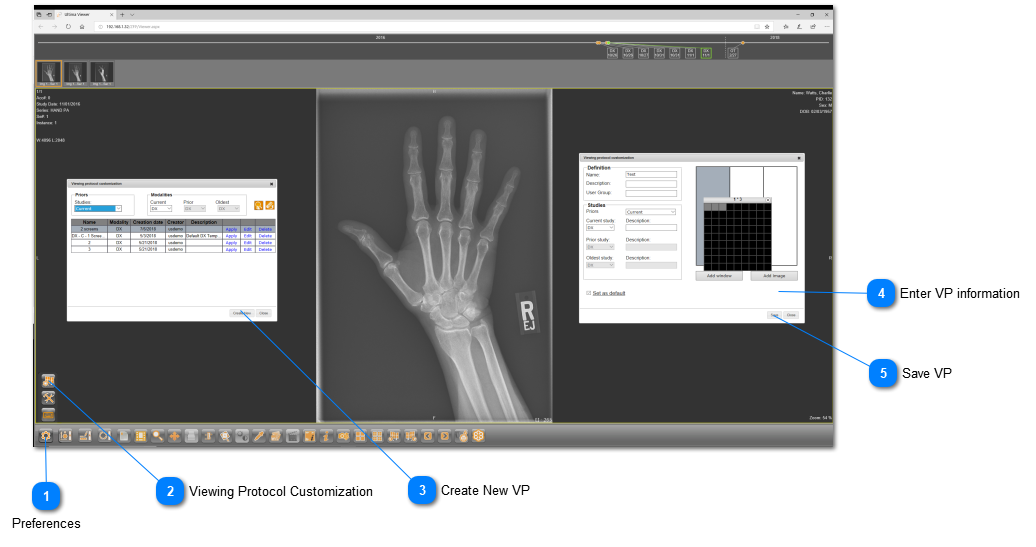
The viewing protocol customization option allows the user to create, edit, and delete viewing protocols. To create a new viewing protocol, follow the instructions below:
 
17.2.1.1 Viewing protocol customization
1

Preferences

Click on "Preferences" from the bottom toolbar.
2

Viewing Protocol Customization

Select "Viewing Protocol Customization" from the menu.
3

Create New VP

Click on "Create New" to make a new viewing protocol.
4

Enter VP information

Give the VP a name, description, number of windows, etc. There is an option to set the VP as your default.
5

Save VP

Click on "Save" when you are done.
 
 
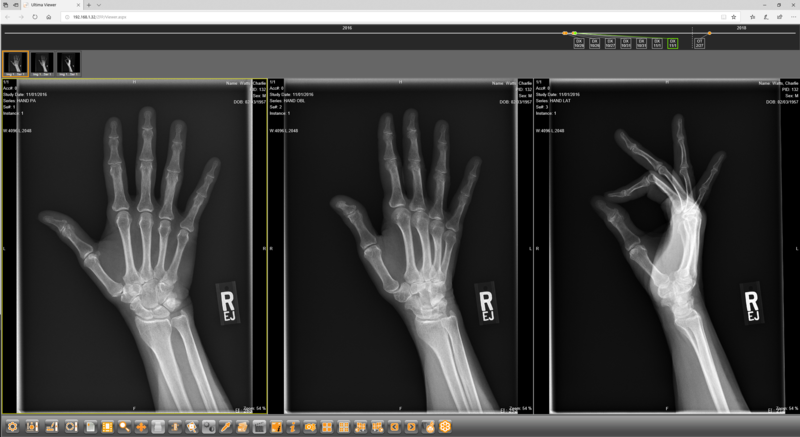
Here is the the finished result of your viewing protocol:
 
 
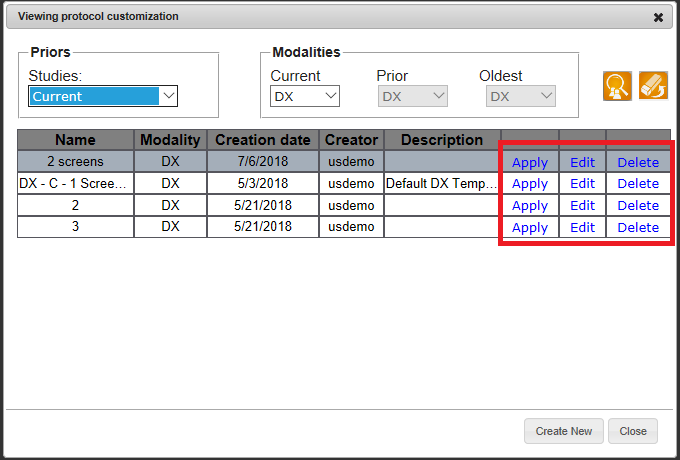
To edit, delete, or apply an existing viewing protcol, click on the action of interest from the menu below: